
Countdown Timers: A visible Urge to Act in an Email
A countdown timer, a feature that serves as a visible tool to show customers how much time is left before a specific notification expires in an email.
What actually is an Email Countdown Timer and How Do Countdown Timers Work in Email?
An email countdown timer is a visual element that displays the remaining time before a specific event or deadline. The strongest countdown timers are connected to a real change. When the clock reaches zero, the price changes, the offer disappears, registration closes, or access becomes available.
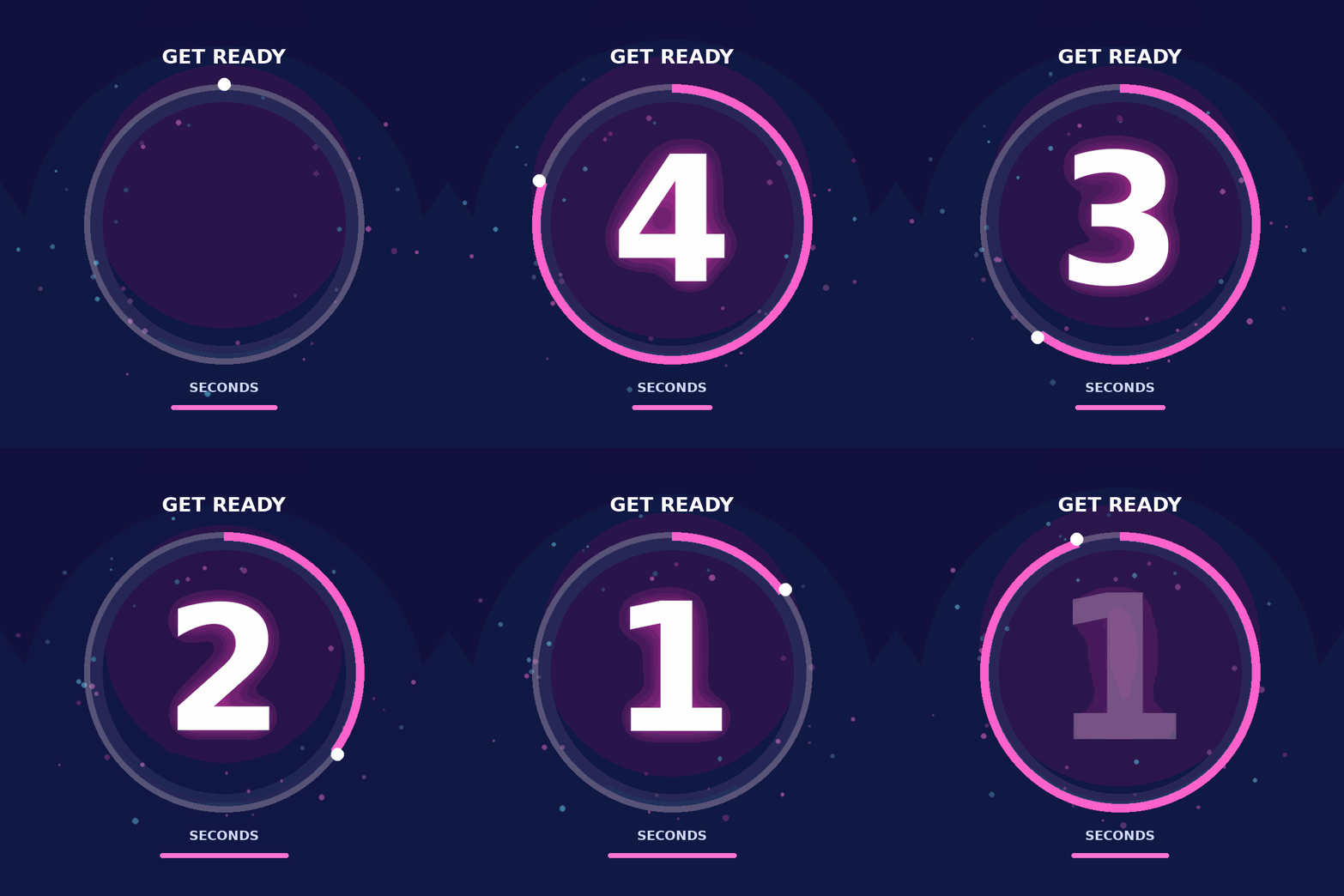
There are two common approaches to creating countdown effects in an email: dynamically generated timers and pre-rendered animated GIFs.
1. Dynamically Generated Countdown Timers
A dynamic timer is usually delivered as a remotely hosted image. The email contains an image URL or an HTML snippet supplied by a countdown-timer platform.
When the image is requested, the timer service calculates the remaining time and generates the appropriate visual. This allows the timer to display a more accurate countdown based on the configured deadline.
Although marketers may refer to this as an “HTML countdown timer,” the countdown itself generally does not run as JavaScript inside the email. The HTML primarily embeds a dynamically generated image because active scripting is not reliably supported in email clients. Litmus, for example, describes its timers as animated images served when the email is opened.
Dynamic timers are usually the better option for campaigns where accuracy is important, such as flash sales, event registration deadlines, early-access windows, and personalized offers.
2. Pre-Rendered Animated GIF Timers
A simpler alternative is an animated GIF that visually counts down through a predetermined sequence. This approach can be easier to produce, but it does not necessarily calculate the actual time remaining when each subscriber opens the email. A GIF may begin from the same frame or sequence regardless of whether the recipient opens the message immediately or several hours later.
That limitation becomes more significant when:
- emails are delivered in batches;
- subscribers receive the campaign at different times;
- send-time optimization is active;
- recipients reopen the email later;
- the deadline is very close.
Animated GIF support also varies. Several versions of classic Outlook for Windows may display only the first frame instead of playing the animation. For that reason, the first frame should communicate useful information even when no animation appears. GIFs should also be kept reasonably small because large files can slow loading, especially on mobile connections.
A pre-rendered GIF may be sufficient for a low-risk campaign where exact real-time accuracy is not essential. For a high-visibility or time-sensitive campaign, a dynamic timer with fallback and expiration controls is more reliable.
When Should You Use a Countdown Timer?
Countdown timers work best when time genuinely changes the value or availability of an offer.
Limited-Time Sales
Sales are the most familiar use case. A timer can reinforce the final deadline for:
- flash sales;
- weekend promotions;
- clearance events;
- free-shipping offers;
- limited-time bundles;
- bonus gift promotions.
The timer should not replace the main offer. Subscribers must still be able to understand the discount, eligible products, terms, and expiration time without interpreting the animation.
For example:
20% off selected bundles ends tonight at 11:59 PM EST.
The timer then visually reinforces that statement.
New Product Launches
Countdown timers can also build anticipation before a product becomes available.
A pre-launch email may count down to:
- the public release;
- a product drop;
- preorder availability;
- a restock;
- the opening of a waitlist;
- a new collection reveal.
In this situation, the emotional goal is slightly different. Instead of only communicating urgency, the timer creates anticipation.
The email should still explain why the launch matters. Highlight the product’s primary benefit, point of difference, or intended customer rather than allowing the timer to become the entire message.
Seasonal Campaigns
Holiday and seasonal campaigns often involve fixed dates, shipping deadlines, and short promotional periods. Countdown timers can support campaigns around:
- Black Friday;
- Cyber Monday;
- year-end sales;
- Valentine’s Day;
- Mother’s Day;
- back-to-school periods;
- holiday shipping cutoffs;
- seasonal collection launches.
For holiday campaigns, distinguish carefully between the end of the promotion and the final date for delivery. “Sale ends tonight” and “Order within six hours for delivery before December 24” represent two different deadlines and should not be treated as the same message.
Coupon Expiration
An expiring coupon can be made more noticeable by showing how long the subscriber has left to redeem it. This works well in:
- welcome flows;
- first-purchase incentives;
- re-engagement campaigns;
- post-purchase offers;
- birthday rewards;
- loyalty-program reminders;
- abandoned-cart follow-ups.
Whenever possible, the timer should reflect the individual subscriber’s expiration period rather than a universal campaign deadline.
For example, a welcome discount that expires 48 hours after signup ideally requires a triggered or personalized timer connected to the subscriber’s signup timestamp. Some timer platforms support recipient-specific deadlines based on CRM or event data.
Early or Exclusive Access
Countdown timers can strengthen exclusivity for VIP customers, loyalty members, waitlist subscribers, or early-access segments.
They may count down to:
- the opening of VIP access;
- the end of a members-only shopping window;
- the beginning of public availability;
- the closing of early-bird pricing;
- the release of limited inventory.
The timer should clarify whether subscribers are waiting for access to begin or watching their exclusive access period expire. “Access begins in” and “Your early access ends in” require different messages and calls to action.
Countdown Timer Best Practices
A timer is only one part of the campaign. The offer, deadline, message hierarchy, accessibility, and post-expiration experience must all work together.
1. Use a Real Deadline
Urgency should be based on something that actually ends or changes.
Do not claim that an offer expires at midnight and quietly extend the identical promotion the next morning. Repeated artificial urgency trains subscribers to ignore future deadlines and may damage confidence in the brand.
A useful rule is simple: When the timer reaches zero, something meaningful should happen. Such as: The promotion will end, the discount will decrease, registration will close, inventory access will change, or the campaign will transition into another phase. Both Litmus and Campaign Monitor emphasize that countdown timers should be used sparingly and tied to genuine deadlines.
2. Confirm the Exact Expiration Time
Before launching the email, verify:
- the expiration date;
- the expiration time;
- the time zone;
- daylight-saving adjustments;
- the account time-zone settings;
- scheduled send times;
- send-time optimization settings;
- delays caused by large audience batches.
Some email platforms calculate the deadline using the account’s time zone rather than each recipient’s local time. A campaign sent internationally may therefore need separate segments, localized deadlines, or a timer system that supports recipient-level time zones.
Write the deadline explicitly in the email as well:
Offer ends July 31 at 11:59 PM Eastern Time.
This protects clarity even when the timer does not load or animate.
3. Explain What the Timer Is Counting Down To
A row of numbers without context creates confusion rather than urgency.
Place a clear label above or beside the timer, such as:
- Sale ends in:
- Early access closes in:
- Registration opens in:
- Free shipping expires in:
- Order within:
- Your welcome offer ends in:
Label the individual units as well. Subscribers should be able to distinguish days, hours, minutes, and seconds without guessing.
Clear supporting copy is particularly important for accessibility and for readers scanning the email quickly.
4. Keep the CTA Close to the Timer
The timer draws attention to the deadline. The call to action should immediately show subscribers what to do next.
A typical hierarchy might be:
- offer or campaign headline;
- supporting benefit or deadline explanation;
- countdown timer;
- primary CTA.
Examples of relevant CTAs include:
- Shop Before It Ends
- Claim My Discount
- Get Early Access
- Reserve My Spot
- Shop the Product Drop
- Use My Coupon
Campaign Monitor recommends positioning the CTA close to the timer so subscribers can move directly from urgency to action without searching through the email.
5. Give the Timer High Visibility—Without Overpowering the Offer
For deadline-driven campaigns, the timer is often placed near the top of the email or within the hero section. “above the fold” does not mean “larger than everything else.” The subscriber still needs to understand what is being offered, why it matter, and what action to take.
The countdown timer should support the visual hierarchy rather than compete with the headline, product, and CTA. A sufficient contrast, comfortable spacing, readable labels, and a design that matches the rest of the brand will be good.
6. Plan What Happens After the Timer Reaches Zero
Subscribers may open an email after the campaign has ended. Others may reopen it after initially viewing it. A timer frozen at zero can create a poor experience, especially when the CTA still directs visitors to an expired promotion.
A stronger setup replaces the timer or surrounding content with an expiration state such as:
- This offer has ended.
- Early access is now closed.
- The sale is over, but you can still explore the collection.
- Registration has closed. Join the waitlist for the next session.
- You missed this offer—see what is available now.
Dynamic content platforms may allow the timer image and destination link to change automatically after expiration.
Before sending, confirm that the landing page, promotional code, CTA, and post-expiration message all follow the same deadline.
Final Thoughts
Countdown timers can turn an abstract deadline into a visible urge to act. They are particularly useful for limited-time sales, product releases, seasonal campaigns, expiring coupons, registration periods, and exclusive-access windows. Their impact depends on disciplined execution.
Use them only when the deadline is real. State the exact expiration time. Most importantly, decide what subscribers will see after the timer reaches zero. When urgency, clarity, and customer trust work together, the countdown-timer become a useful part of the whole email marketing journey.
So are you ready to work your Email Marketing Journey with us?